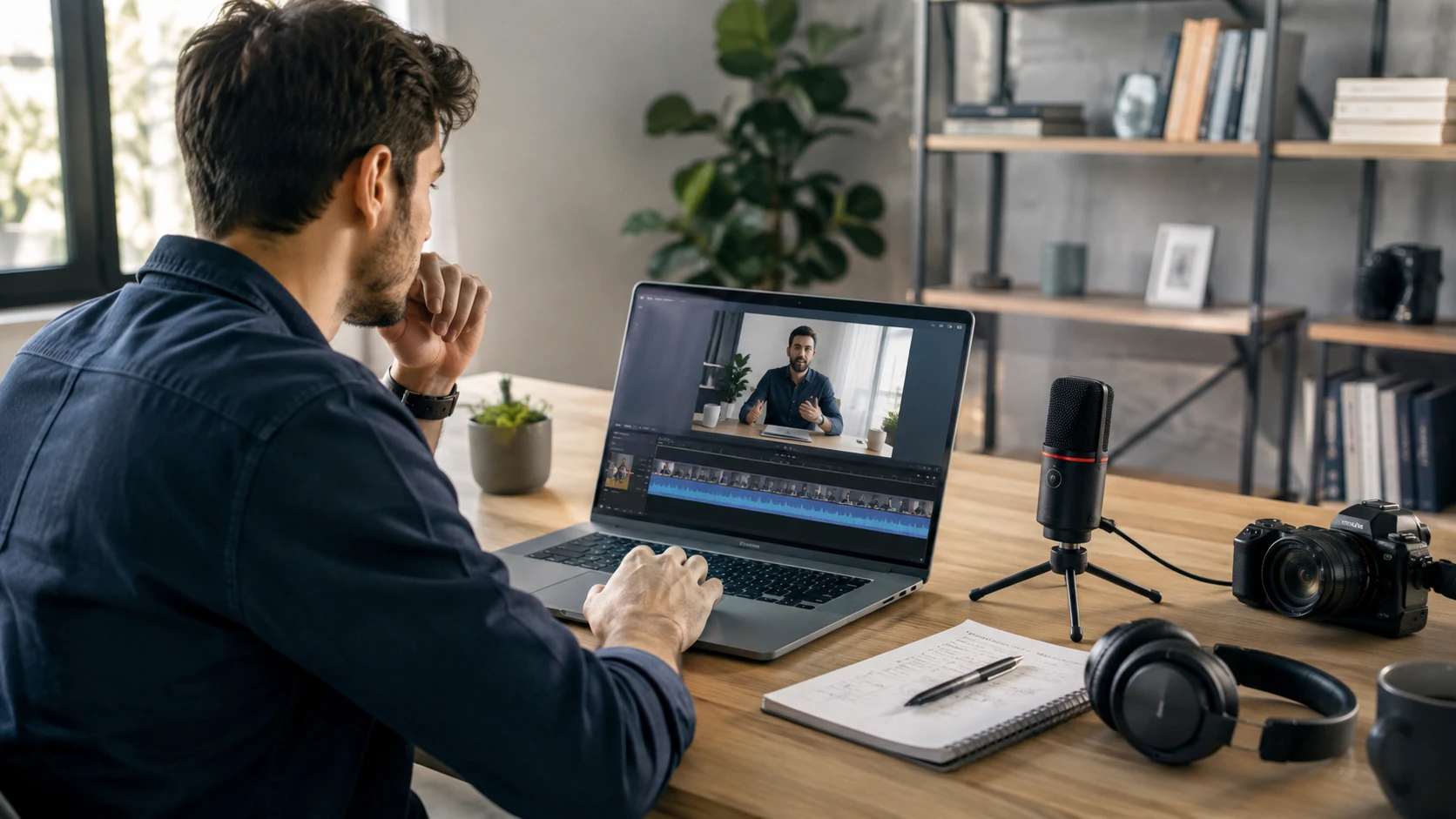

People save more videos and audio recordings than they can realistically review.
A creator may record several interviews before making a new video. A student may save online lessons for later study. A researcher may collect hours of conversations during a project.
The problem usually appears after the recording is finished.
The file is still there, but finding one specific idea, quote, or explanation can take a long time. Moving through a timeline and listening again from the beginning is often inefficient, especially when the recording lasts an hour or more.
This is why many people turn spoken content into text. A transcript creates another way to interact with recordings. Instead of only watching or listening, users can search through the words, identify useful sections, and return to the original file when they need more context.
For creators and other digital users, transcription has become a practical way to get more value from the content they already have.
Why Finding Information Inside Videos and Audio Files Is Difficult
Video and audio are excellent formats for sharing ideas, but they are not always easy to search.
When someone watches a long tutorial or listens to a podcast episode, they usually remember the general topic rather than the exact moment where something important was mentioned.
A creator might remember that an interview contained a useful opinion but forget where the guest discussed it. A student may remember that a lecture explained a difficult concept but not which part of the recording contained the answer.
This creates a simple problem. The information exists, but reaching it requires too much time.
Text solves part of this problem because written content can be scanned and searched quickly. A transcript does not replace the original recording. It provides a faster way to find the parts worth revisiting.
This is especially useful when working with large amounts of recorded content that would otherwise remain unused.
How Video Transcription Makes Long Recordings Easier to Use
Many creators collect videos as part of their work. These recordings may include interviews, tutorials, webinars, product demonstrations, or behind the scenes content.
After recording, the next challenge is often organization.
A long video may contain several useful ideas, but reviewing the entire file every time is inconvenient. A transcript allows users to locate topics and conversations without replaying the complete recording.
A video transcript converter tool can help transform recorded videos into text that is easier to review and organize.
For example, a creator preparing a new article may search through previous interviews to find a specific discussion. A video editor may review a transcript to locate a particular quote before checking the original footage. A student may use text from a recorded lesson to create study notes.
The transcript works as a reference layer. The original video remains important because it contains visual information, tone, and details that text alone cannot show.
Finding Ideas From Interviews and Tutorials
Interviews and tutorials often contain more information than what appears in the final content.
A creator may record an hour long conversation but only use a few minutes in the finished video. A transcript makes it easier to review the full discussion and discover ideas that were not noticed during the first viewing.
This also helps when updating older content.
A previous interview may contain a useful explanation. An old tutorial may answer a question that people are asking today. Instead of starting research again, creators can return to existing recordings and find relevant information faster.
Reviewing Educational and Research Content Faster
Students and researchers often work with recorded materials because spoken explanations can provide more detail than written notes.
However, replaying long recordings repeatedly is not always practical.
A transcript makes it easier to review key concepts, compare different sources, and create notes from lectures or discussions.
The original recording should still be available when a specific explanation, example, or speaker context needs to be confirmed.
Using Audio Transcription for Podcasts and Voice Recordings
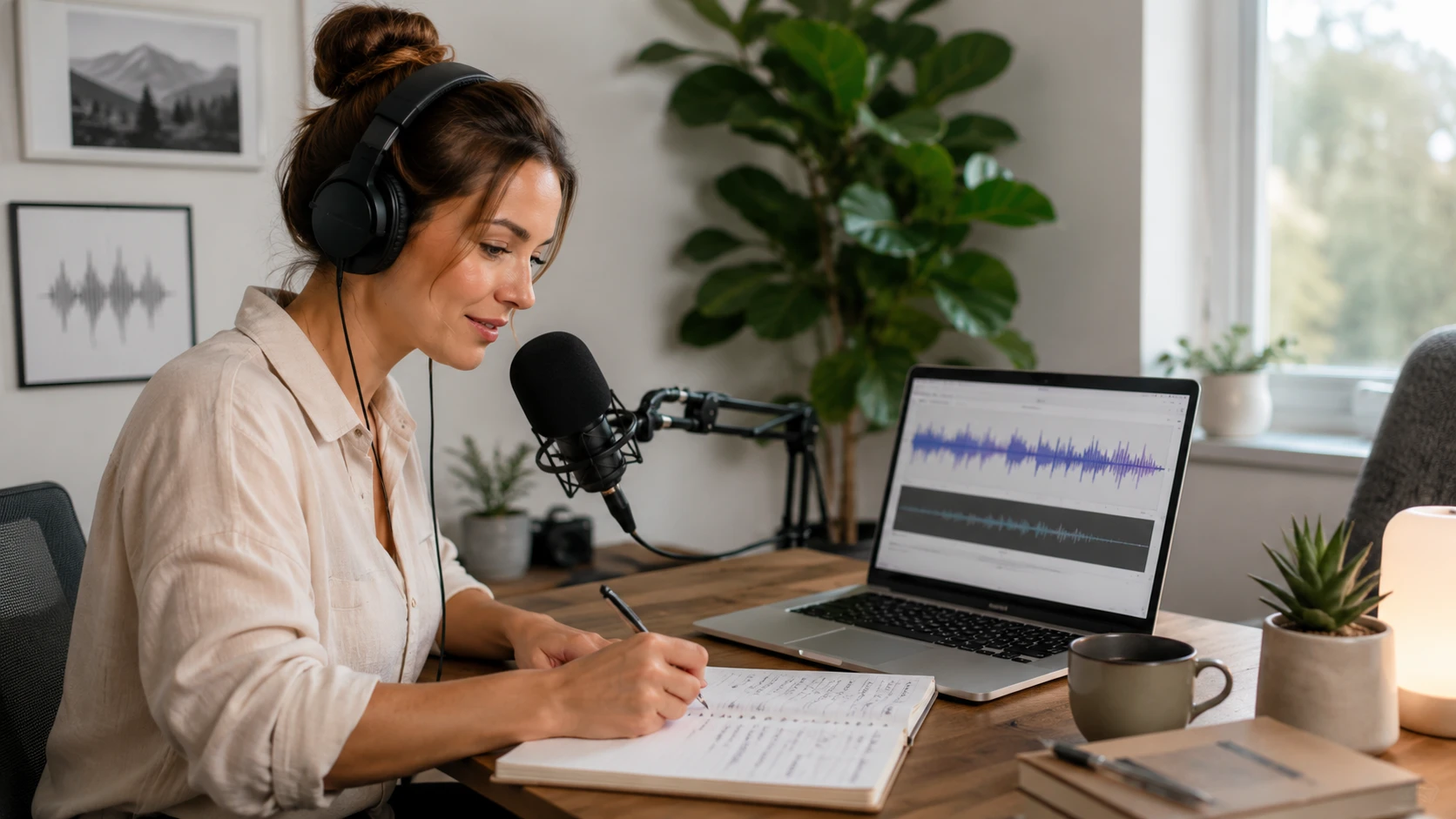
Not every valuable recording is a video.
Podcasts, interviews, voice notes, and recorded conversations often contain useful information, but audio files can be difficult to review because there are no visual references.
A person may remember that an important point appeared somewhere in a podcast episode, but finding that moment manually can take considerable time.
An audio transcription tool helps convert spoken content into written text, making audio recordings easier to review and organize.
This can be useful for podcast creators reviewing previous episodes, researchers analyzing interviews, or professionals keeping notes from conversations.
Turning Spoken Conversations Into Written References
Audio recordings often contain ideas that become useful later.
A podcast host may want to find a previous discussion before creating a new episode. A researcher may need to compare answers from multiple interviews. A creator may want to review old conversations for new content ideas.
Having a written version makes these tasks easier because the content can be reviewed without listening from the beginning.
The best workflow keeps the transcript connected to the original audio file. This allows users to quickly return to the recording whenever the exact tone or context matters.
Keeping Audio Content Easier to Review
A transcript is most valuable when it supports future use.
Saving only an audio file means the information remains locked inside a recording. Adding text creates another way to access the same content.
This does not mean every sentence needs to become a finished document. Sometimes the main value is simply being able to find a specific moment when needed.
What to Check Before Using a Transcript
Automatic transcription saves time, but the result still needs attention in certain situations.
Some parts of spoken content are more likely to require review. Names, numbers, technical terms, and conversations with multiple speakers can sometimes be difficult to recognize correctly.
For casual research or personal notes, small mistakes may not affect the result. For published content, professional communication, or important documentation, checking the original recording is a better approach.
Names, Numbers, and Technical Terms
A transcript can usually capture the general meaning of a conversation, but specific details need more care.
A product name may be unfamiliar. A person’s name may be interpreted incorrectly. A number mentioned during an interview may need confirmation.
These details are often small, but they can change the meaning of the final content.
When the Original Recording Still Matters
Text is convenient because it is easy to search, but recordings contain information that cannot always be converted into words.
A speaker’s tone, a visual demonstration, or the way a conversation develops may affect understanding.
The transcript helps users find information quickly. The original recording provides the complete picture.
How Creators Build a Simple Transcription Workflow
A useful transcription workflow does not need complicated tools or extra steps.
Most people only need a consistent habit.
Keep the original recording, create a transcript, review the sections that matter, and store both files together.
Over time, this makes old content easier to reuse.
A creator who records interviews regularly can quickly revisit previous conversations. A student can return to lessons without searching through hours of video. A researcher can compare discussions without replaying every recording.
The value comes from making existing content easier to access.
Final Thoughts
Videos and audio recordings often contain valuable ideas, but those ideas can become difficult to find once the file becomes longer.
Transcription creates a practical connection between spoken content and written information. It helps creators, students, and other digital users review recordings faster while keeping the original source available.
A video or audio file does not need to remain something people only watch or listen to once. With the right workflow, recorded content can become a resource that people return to whenever they need it.