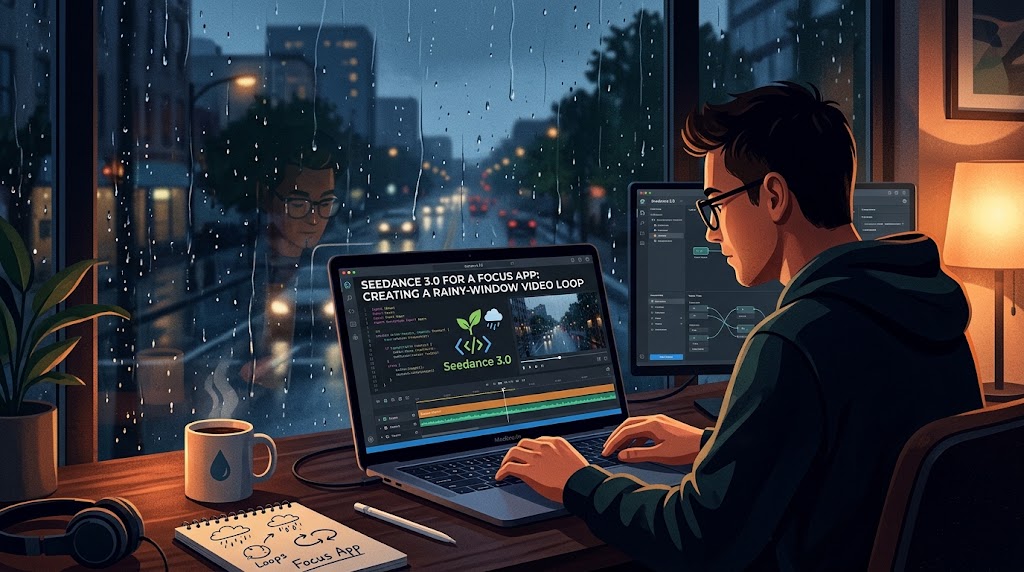

A focus timer does not need an animated fireworks display behind its numbers. For a proposed mobile app concept, I would make a quieter video: rain moving down a window, a blurred courtyard beyond the glass, and a small amber light near the edge of the frame. The background would give the screen atmosphere while leaving the timer itself easy to read.
My starting materials would be an original photograph taken from inside a room, a short recording of rain on glass, and a written description of the intended movement. I would keep the setting anonymous and avoid a recognisable street or private interior. The visual story is simply a sheltered viewpoint looking out at wet weather.
The moving background could be developed through Seedance 3.0, an AI video model guided by text, images, video, and audio references. The photograph would establish the window and colours, while the rain clip would help communicate the kind of motion I want. The model would generate video footage; building the timer, displaying its numbers, and implementing playback would remain separate app-development work.
Compose the image around the timer
I would place the clearest rain detail towards the left and right edges, keeping the centre relatively calm. A softly blurred courtyard provides depth without giving the eye too much to identify. The amber light would sit low in one corner, creating a warm contrast with the cool outdoor scene rather than competing with the time display.
The reference photograph should already support that arrangement. Trying to turn a busy street photograph into a nearly empty window scene would make the direction less precise. My preference would be to photograph the intended composition deliberately, with a broad area of simple colour where the timer will eventually appear.
For the first Seedance 3.0 generation, I would write: “A fixed view from indoors through a rain-covered window, based on the reference image. Small droplets move slowly down the glass. The courtyard beyond remains softly blurred. One steady amber light near the lower right edge. Keep the camera still and the centre of the frame visually quiet.”
Make the rain interesting without making it distracting
The most important movement is local. A droplet gathers, travels a short distance, and joins another line of water. I would avoid a sweeping camera move, sudden lightning, or objects crossing the courtyard. Those events might make an attractive film, but they would repeatedly draw attention away from a focus session.
If the first result makes every droplet move at the same speed, my revision would ask for less coordinated motion: a few slow trails with smaller droplets remaining still. If the glass appears to melt, I would simplify the reference and reduce the amount of motion. The window frame should provide a stable visual boundary throughout.
Seedance 3.0 would be used to explore those changes in the footage, not to guarantee an automatically seamless loop. I would watch the generated clip from beginning to end and look for a stable section with consistent light. That section would become the candidate for a loop assembled later in a separate video editor.
Keep the camera genuinely still
A barely noticeable push towards the window can be surprisingly distracting when a clip repeats. I would therefore compare the first and last frames for changes in the window frame’s position. If the frame expands or drifts, the next prompt would emphasise a locked viewpoint and remove any cinematic movement language left over from the initial brief.
The motion reference for Seedance 3.0 would also need to support this choice. A handheld rain recording may include small shakes that are easy to overlook. I would use a stable recording and explain that the reference guides droplet movement, while the still image defines the composition and the text requires a fixed camera.
The amber light should remain steady as well. A pulsing light might look atmospheric in a short preview but become tiring behind a timer. If brightness changes are visible, I would ask for constant illumination and choose a less contrasty reference. The visual should be pleasant after repeated viewing, not merely impressive on the first play.
Design the sound as an optional companion
The rain recording could suggest a soft, continuous sound without sharp impacts. Seedance 3.0 supports audio alongside video, which makes it possible to explore a matched atmosphere. For this concept, I would favour distant rain on glass over close, heavy splashes that repeatedly announce themselves.
I would listen for abrupt changes at the beginning and end of the generated audio. A suitable visual section may still need a different sound edit to repeat comfortably. In a separate editor, I could use a smooth portion of an original rain recording and fade its join. The app’s eventual sound control should be designed independently, so the visual does not depend on audio being enabled.
Choose variations before spending more credits
Before generating a large set of weather backgrounds, I would review Seedance 3.0 Pricing for current subscription and credit-pack prices. My allowance would cover this one rainy-window concept, a few motion adjustments, and perhaps a warmer or cooler version. I would compare that allowance with the credit requirements shown for the selected generation settings.
The useful first comparison would be between a close view of the droplets and a slightly wider view including more of the window frame. That changes how enclosed the scene feels. Once I choose the framing, further attempts can address specific problems such as moving light or an overly active centre. There is little value in generating many colours before the basic motion is comfortable.
Build the loop from a stable piece of footage
For the final Seedance 3.0 selection, I would choose a section in which no large droplet suddenly enters or leaves the centre. In a separate editor, I would compare several possible start and end points and try a short blend if the lighting and composition match. A dissolve is not automatically invisible, so I would watch for doubled droplets at the join.
I would also avoid reversing the clip merely to make the ends meet. Rain travelling upward would undermine the natural scene. A shorter, calmer section may be a better candidate, and a gentle transition between compatible portions can be less noticeable than forcing an unsuitable shot into a perfect cycle.
The final preview would place a sample timer over the video at normal phone size. I would check whether the numbers remain readable as the brightest droplets move behind them, then adjust the background’s brightness in the editor if necessary. The app team would handle the actual interface, playback performance, and options for reducing motion.
The finished asset would have a narrow purpose: provide a quiet view of rain while a person concentrates on something else. A stable frame, restrained movement, and a carefully checked join would matter more than a dramatic scene. That is what makes this a useful video-generation project for an app: the creative decisions serve the screen’s everyday function.