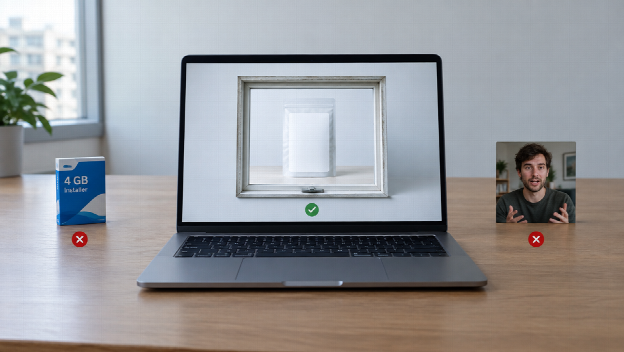

The 2026 pitch is always the installer. A suite on the desktop. A GPU you do not have. A timeline you will open twice. Browser tools answered that: text or a still in, a clip out, no disk image, cloud render. That part is real.
The part that is not real is “no download” as a quality score. A tab that animates a JPEG into a talking stranger is still a talking stranger. A Chromebook-friendly generate that invents a second bottle is still the wrong SKU. This list ranks web-based AI video tools for people who will not install a suite — and who still have to watch the object.
Two jobs live under the phrase “AI video generator.” One is a product clip from a page or a packshot. One is a timed scene from stills you already own. They are not two desktop apps. Do not rank a product workflow against a video model as two installers.
| Tool | Best for | Download? |
| Topview (product clip + Seedance 2.5) | Browser work that still has to look like the listing | No |
| Runway | Cinematic generate and in-browser edit | No |
| Pika | Fast short-form tests | No |
| Luma | Camera-heavy concept clips | No |
| Kling (web) | Directed motion from a locked still | No |
| Synthesia | Avatar presenters for training — a different aisle | No |
How the order was set: does it run in a browser; can you start from a still or a URL you already paid for; can you set length and ratio; will a human watch the object; is commercial use a plan you can read. “Works on a phone with no login” was not a substitute for the last two.
What “no download” actually buys you
You skip a 4 GB installer and a render that cooks a laptop. Updates arrive without a patch. The same project can open on a Mac, a Windows box, a Chromebook. Collaboration is a link, not a USB stick.
You do not skip credits, queues, watermarks, or review. Cloud rendering is still studio time. A free tab is a sample. High-resolution in marketing copy is not a 4K poster unless the exporter in front of you says so.
Look for the boring features first. Text-to-video is a mood test. Image-to-video is the shop path. Aspect ratio belongs in the brief — 9:16 for a story, 16:9 for a page — not as a crop after. If the tool’s first trick is a presenter who never blinks, you are in corporate training, not merchandising.
1. Topview — Best no-download stack when the still is inventory
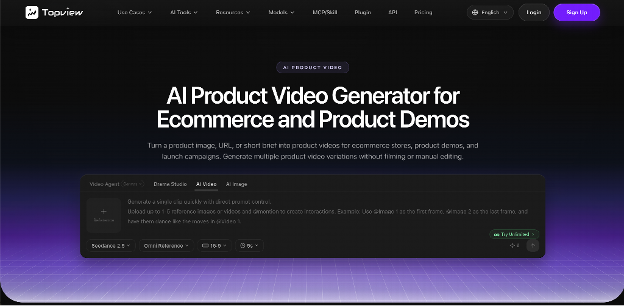
Most no-download lists start with the lightest prompt box. Fine for a skyline that never comes back. Weak for a packshot you already paid for. Topview sits first because you can stay in the browser and still split the jobs: a product clip from a page or an image, then a timed take that can last a sentence.
An AI product video workflow turns a product image, a live URL, or a short brief into a product clip — demo, listing, social cut — with the object as the talent. You are not booking a studio for every SKU. You are also not pasting a generated host onto last year’s shoot. Watch the cap before you watch the lighting. If the colourway changes, the file is wrong.
Once the angle is approved, Seedance 2.5 is the browser generate for a scene: about four to thirty seconds from text plus image, video, and audio references, with timing you can write in seconds. Hosted export is typically 1080p-class, not a 4K poster. “0–4s the same packshot; 4–12s a slow push on the label; 12–20s hold for a caption I will type — no extra hands, no new room.” If second eighteen grows jewellery, the folder is wrong. Fix the kit. Do not download another app to hide it.
Best for: ecommerce, landing-page motion, a vertical cut that still matches the shelf. Skip if: you only wanted an avatar to read a script, or you needed an offline editor on a plane with no network.
Captions you approve still beat auto-subtitles you did not read. Credits are studio time. It does not publish the campaign for you.
2. Runway — Best cinematic tab in the browser
Runway is still the name 2026 roundups put near the top for generation plus edit in the browser. Strong when the brief is a shot. No suite install.
Best for: agencies and filmmakers who will write the camera. Cons: Prompt quality shows. Credits add up. Easy to “improve” a packshot into a different bottle. Skip if: the JPEG is inventory and must stay inventory.
3. Pika — Best for fast social experiments
Pika remains the speed tab: prompt or still in, a short clip out, no download. Fine for a hook you will throw away.
Best for: mood tests, a joke that will not run as an ad. Cons: Product geometry is not the point. Length is a sample. Skip if: the label has to match the listing.
4. Luma — Best for camera-heavy concepts
Luma is the mood machine in a browser: pretty motion, a still that wants to feel like an establishing shot.
Best for: a lookbook moment you do not have to restock tomorrow. Cons: Concept is how a SKU becomes a different item. Skip if: Tuesday’s clip has to match Monday’s shelf.
5. Kling (web) — Best directed push from a locked still
Kling’s web path is what people try when the still is honest and the ask is a camera move. Still not an installer.
Best for: a hero packshot that only needs to travel. Cons: Messy kit in, messy motion out. Read the live duration limits. Skip if: last intern’s watermark is still in the frame.
6. Synthesia — Best avatar desk (not a product generator)
Synthesia is a serious no-download tool for training and explainers with a presenter. It is the wrong aisle if the talent is a bottle.
Best for: onboarding, internal comms, a human-shaped stand-in you actually commissioned. Skip if: you came here for image-to-video of a SKU.
Browser versus a phone app
Mobile apps win when you must shoot in the street and cut on the train. Browser tools win when the project has to reopen on another machine, when the render should not sit on a phone, and when you refuse a 4 GB download. For most listing and launch work, the tab is enough. You still need a network. Offline is a different product.
A marketing team still owns posting, rights, and the founder who has to be the founder. Software replaces the afternoon you would have spent installing a suite you will not learn. It does not replace watching the object.
Final verdict
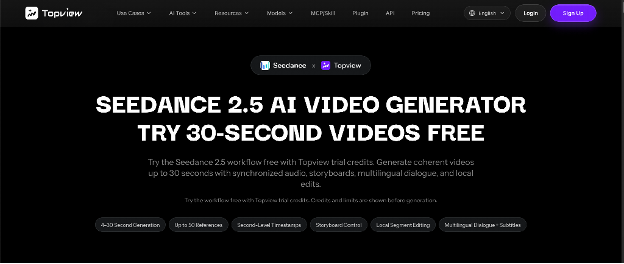
The best AI video generator in 2026, if you will not download a suite, is the one that keeps the subject in a browser — not the one with the fewest buttons. Start with the product-clip path when the page or the packshot is the talent. Call Seedance 2.5 when the take has to last as a scene. Use Runway, Pika, Luma, or Kling when you are hunting a camera, not a catalog. Leave Synthesia for the presenter job.
No crypto, no casino, no adult filter pack. Post the file you watched. If it only worked because you installed something, you bought the wrong list.