
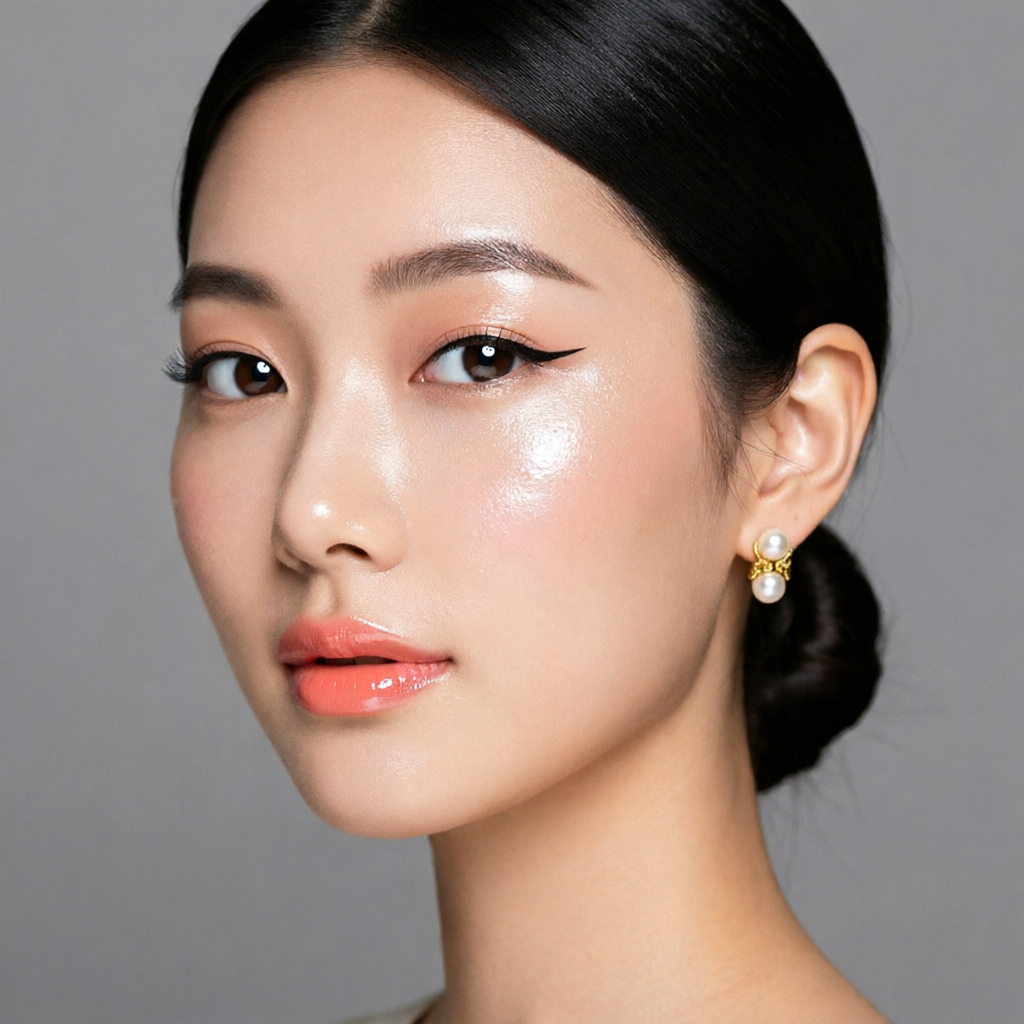

Mia, an AI character generated once and re-used across many shots. Same face, different settings.
The hardest problem in AI image and video generation isn’t quality. Quality has been there for a while. The hardest problem is consistency: getting the same character to show up looking like the same character across ten shots, twenty shots, an entire short film. Most creators hit this wall about a week into building anything more ambitious than a single image, and most of them never really get past it.
The techniques to solve it aren’t secret, and they aren’t complicated. They’re just spread across a dozen tutorials for a dozen different models, and nobody has stitched them together into one playbook. This is that playbook.
Start with a reference, not a prompt
The first instinct when building a character is to write a long, detailed prompt: “a 28-year-old woman with short dark hair, green eyes, freckles across her nose, wearing a leather jacket…” That works for one image. It will not give you the same person twice, no matter how detailed you get. Models interpret descriptions probabilistically, and “short dark hair” maps to a thousand subtly different short dark haircuts.
The fix is to bind the character to an actual image, a reference asset. Generate a few candidate face images, pick the one you like, then use that image as the anchor for everything that comes after. Every modern image and video model now supports some form of reference-based generation: image-to-image, IP-Adapter, character LoRA, or named character slots in a tool like Consistent Character AI studios that let you save and re-use a character across generations.
A locked-in reference image is worth more than the most carefully written prompt. Build the reference once. Reuse it forever.
Build the character in the right order
A sequence that works:
- Headshot. Get the face right first, in clean lighting, a neutral background, and a neutral expression. This becomes your master reference.
- Multiple angles. Generate three to five additional angles from the same character: three-quarter, profile, slight tilt up. Most consistency tools work better when they have multiple reference angles, not just one.
- Wardrobe variations. Now lock in two or three outfits. The wardrobe is part of the character identity. Jumping outfits between every shot makes the character feel less stable even when the face is identical.
- Expressions. Generate the same character with happy, neutral, surprised, sad, focused. These give you reference latitude when you start telling a story.
If you skip ahead, for example by jumping straight from one headshot into action shots, you’ll find the model improvising new versions of the face whenever the body or environment gets complex. Build the asset library first.
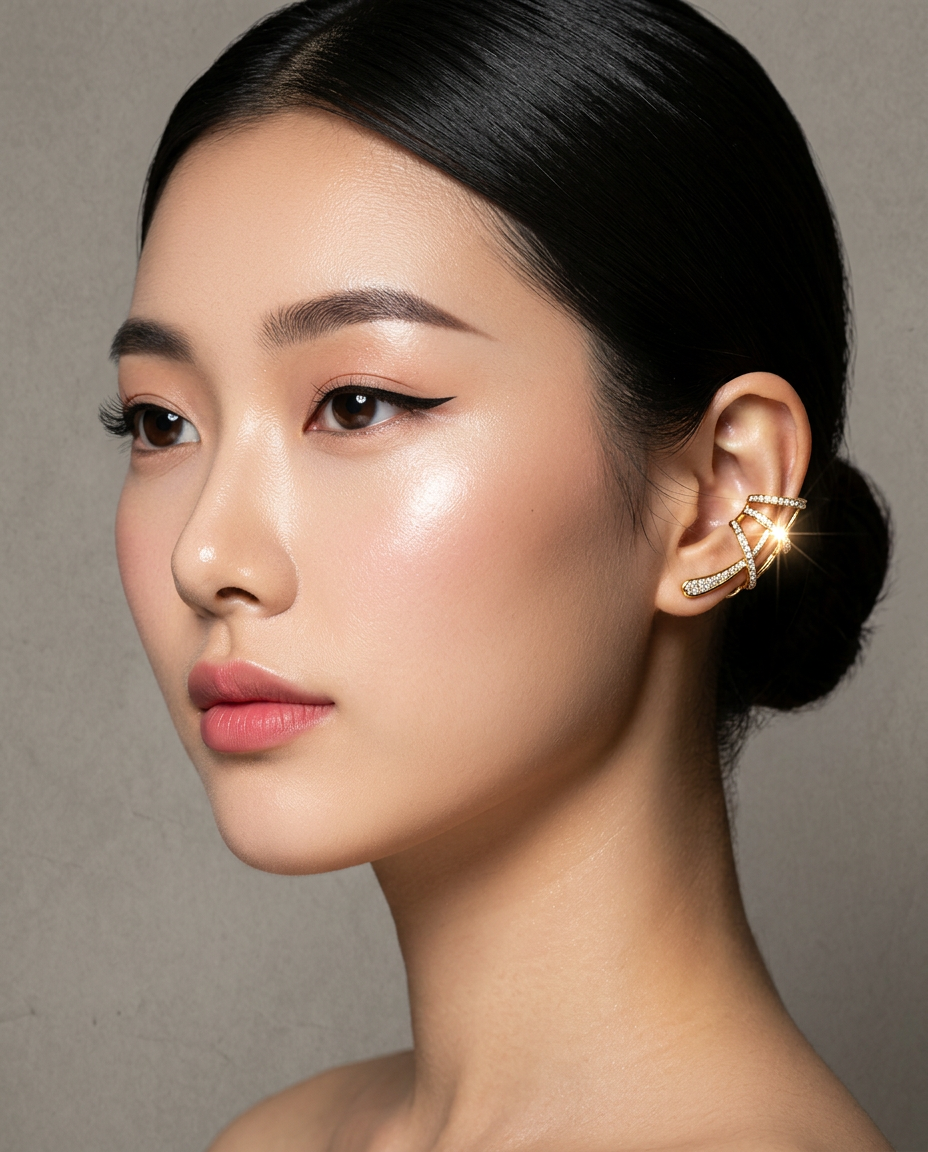
The same Mia again. Different wardrobe, different lighting, recognizably the same character.
Treat the location as a character too
Consistency isn’t just faces. Locations matter. If your character is in a coffee shop in shot one and a coffee shop in shot four, those should be the same coffee shop. The same wood grain on the table, the same lighting, the same pendant lamp.
The fix is the same: lock a reference image of the location, then re-use it in every shot set there. Tools that let you stack multiple reference assets in one generation (character plus location plus prop) give you the cleanest results. The mistake is treating the location prompt as a free variable that gets re-rolled for every shot.
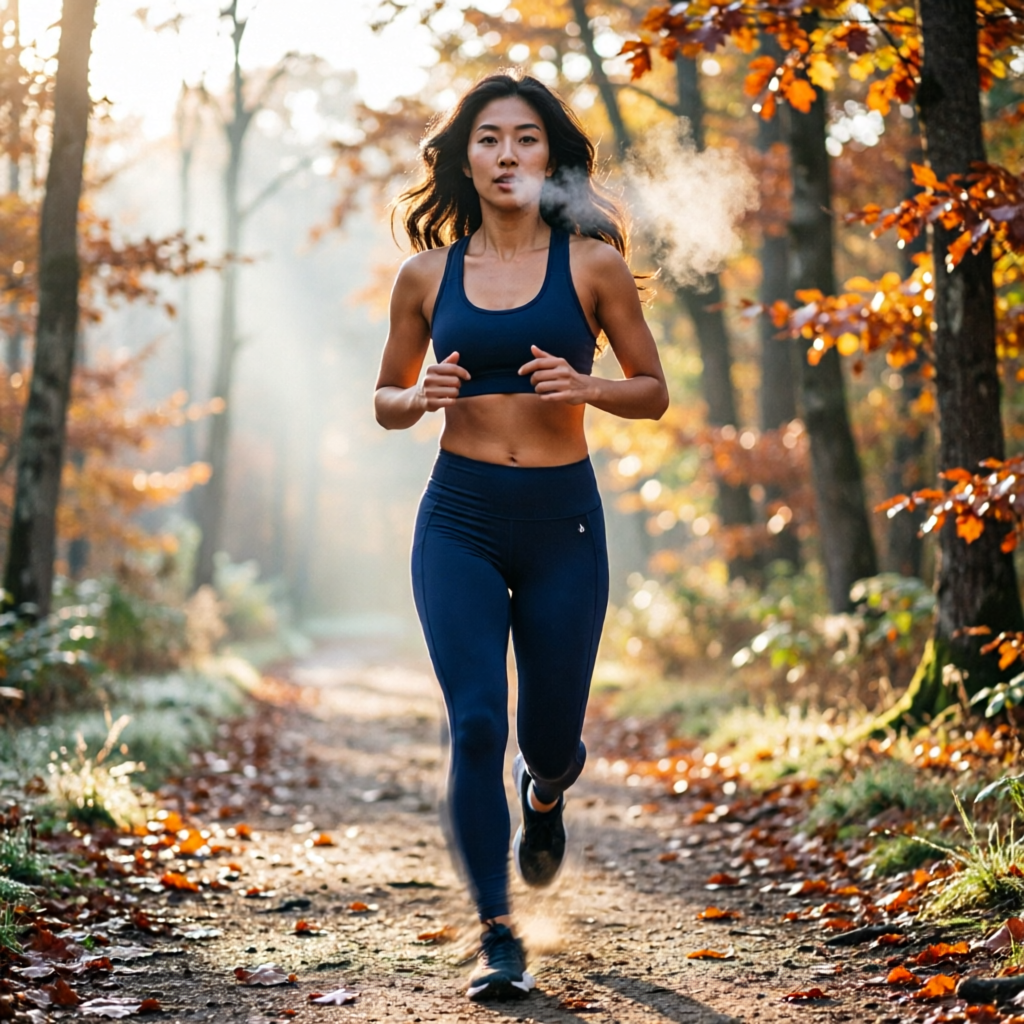
Nova, a different character. Three locations across the post series, one consistent face.
Pick the right model for each job
Not every model is good at character consistency, and the strengths shift fast. Here’s the rough state of things:
- Image generation with strong character locking: Flux 2, QWEN Image 2 Pro, and Nano Banana 2 are the current standouts. They reward detailed reference work and produce stable likeness across many generations.
- Video with character continuity: Kling v3, Veo 3.1, and Wan 2.7 each have different sweet spots. Kling tends to hold character better in slower, dialogue-style shots; Veo handles action and motion well; Wan is the best balance of cost and consistency for talking-head style content.
- Voice and dialogue: A consistent visual character with an inconsistent voice breaks the illusion immediately. Lock the voice once, using a single TTS voice across all clips, and treat it like another reference asset.
The model that’s best for any one shot is rarely the model that’s best for every shot. The workflow that holds up over a long project isn’t “pick one model and use it for everything.” It’s “pick the right model for this specific shot, but use the same character reference across all of them.”
Write character-aware prompts
When you do write prompts, write them around the character, not as if the character were being described from scratch. Instead of “a young woman with short dark hair walking down a street,” write “she walks down a street, hands in her jacket pockets, looking left at the storefront.” The model already has the character. What it needs from you is the action and the framing.
This sounds small, but it’s a major source of drift. Re-describing the character in every prompt invites the model to re-interpret the description in slightly different ways each time. Re-describing the action keeps the character locked.
Use a “shot list” the way a film crew would
Once your character library exists, plan your video the way a real production would. Write a shot list:
- Shot 1: medium close-up of [Character A], coffee shop interior, afternoon light, neutral expression
- Shot 2: wide shot of Character A walking out of the coffee shop, golden hour
- Shot 3: close-up of Character A’s phone, her hand visible
Now generate each shot using the locked character plus locked location references. The discipline of writing the shot list out before you generate anything is what separates a portfolio piece from a chaotic compilation of half-related clips.
When drift happens, fix it instead of starting over
You will lose the character occasionally. A shot will come back where the face is subtly different: slightly older, slightly thinner, eyes a different shape. Don’t accept it and don’t restart from scratch. Use a face-swap or face-restoration pass to align the off-shot with your master reference. Most modern AI studios bundle this as a one-click step.
The ability to recover a near-miss into a perfect match is a huge productivity unlock. Your generation hit-rate effectively goes up, because you no longer need a perfect first generation, just a good enough one that you can correct.
Keep your asset library, even between projects
Every character you build is a long-lived asset. Save the reference images, the locked outfits, the voice samples. The next time you start a project, whether it’s a sequel, a different storyline, or just a similar visual style, you’ll be a week ahead because the foundational consistency work is already done.
This is the part most creators skip. They treat each project as starting from zero. The ones who build cumulative character libraries end up with work that looks distinctively their own, because the same recognizable faces keep showing up across their portfolio over time.
The shorter version
Bind your character to a real image. Build the reference library before you generate any story shots. Treat locations and voices as additional anchors. Use the right model per shot rather than per project. The creators getting the most out of AI tools right now aren’t using better prompts. They’re using better workflows, and consistency is what those workflows are quietly designed for.

