
Most of us have experienced the same problem: you know a document exists somewhere, but finding it takes longer than it should.
It might be in an old email, a folder on your laptop, a cloud drive, or a shared folder with dozens of similarly named files. Paper binders solve this problem in a fairly simple way. You put related documents together and know where to look for them.
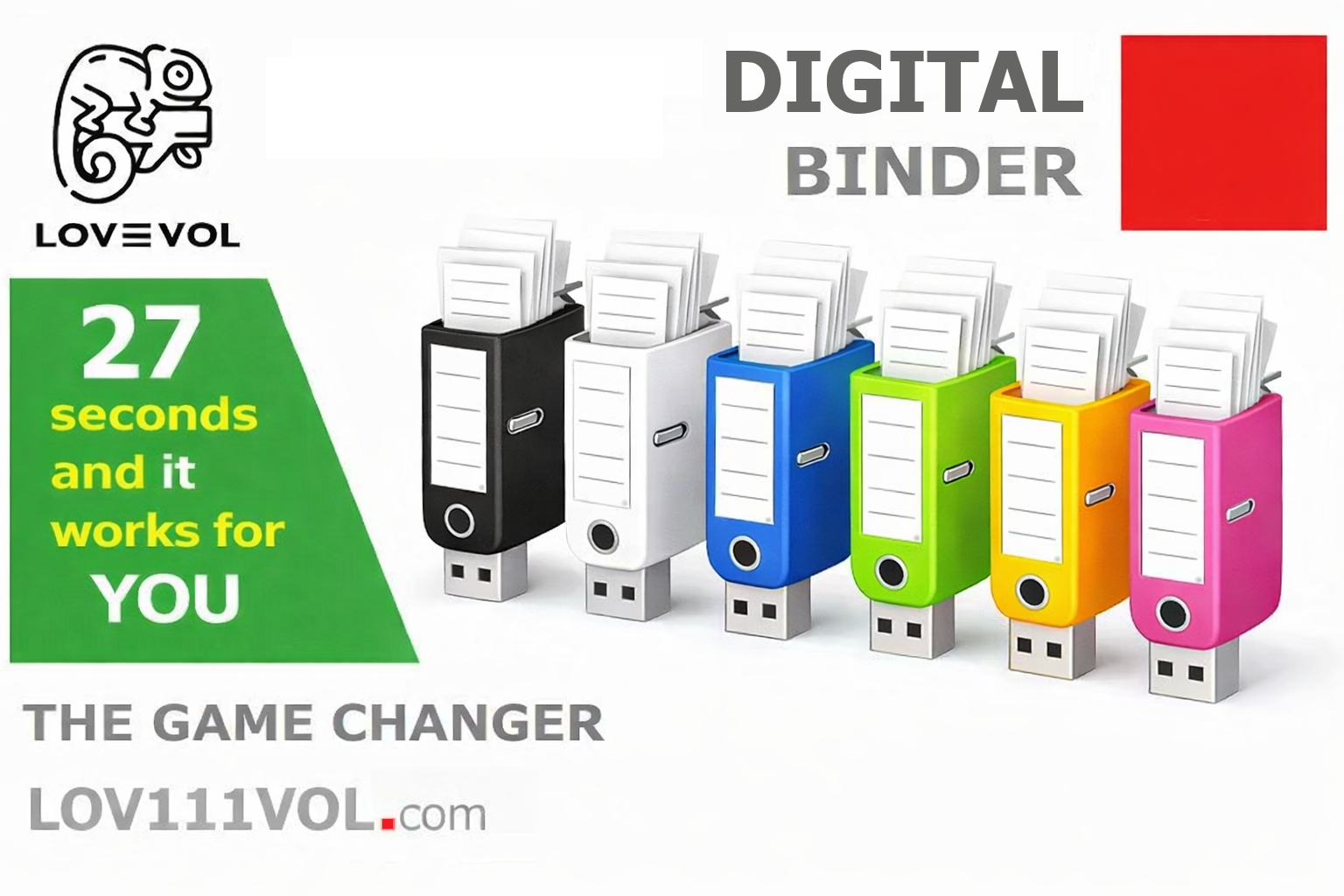
An electronic binder brings the same basic idea into the digital world.
Instead of keeping contracts, reports, notes, scans, or project documents in a physical folder, you can keep them together in a digital workspace. The result is a more structured way to deal with documents without having to rely on piles of paper or increasingly complicated folder structures.
What Is an Electronic Binder?
An electronic binder is essentially a digital place for keeping related documents and information together.
Think about a traditional office binder. It might be labelled “Project A” and contain contracts, meeting notes, invoices, specifications, and other paperwork.
A digital version can follow the same logic, but the documents are electronic files rather than sheets of paper.
Depending on the software, an electronic binder can contain PDFs, images, spreadsheets, scanned documents, notes, emails, and other files.
The useful part is not simply storing the files. It is having a clear structure that makes sense to the person or team using it.
This idea also fits a broader principle used in records management. The U.S. National Archives and Records Administration describes a record series as a group of records kept together because they relate to a particular subject, function, activity, or transaction. [1]
In other words, grouping related information is not a new idea. The electronic binder simply applies that familiar concept to digital documents.
Why Not Just Use Normal Folders?
A reasonable question is: why not simply create a folder on a computer?
For a small number of files, that may be all you need. The problem starts when the number of documents grows or several people need to work with them.
Imagine a small company working on a customer project. There might be contracts, invoices, design files, technical documentation, meeting notes, test results, and correspondence.
Those files could end up in several locations:
Email → Shared Drive → Cloud Storage → Local Computer → Downloads Folder
After a while, it becomes difficult to know which file is the latest version or where a particular document was saved.
An electronic binder provides another way to approach the problem: instead of thinking only about where a file is stored, you organize documents around the project, customer, subject, or activity they belong to.
How Does an Electronic Binder Work?
The exact design depends on the application, but the basic idea is straightforward.
You create a digital binder or workspace and start adding related information.
For example, a company could organize a customer project like this:
Customer → Project → Contracts → Technical Documents → Reports
Another user might prefer:
Project → Planning → Development → Testing → Documentation
There is no single structure that works for everyone. That is actually one of the advantages of the concept.
The organization can reflect how you work instead of forcing every document into the same generic folder structure.
Search can also make a big difference. Rather than opening folders one by one, users can search for a document, project, customer, or keyword.
What Can You Keep in an Electronic Binder?
Almost any type of digital document can be included, depending on the software.
Common examples include:
- contracts and agreements
- invoices and receipts
- project documentation
- reports
- meeting notes
- photographs
- scanned paperwork
- spreadsheets
- technical specifications
- forms and correspondence
For example, a freelancer might have one binder for each major client. A small business could create binders for customers, projects, or administrative work.
The idea is simple: keep information that belongs together in a place where it can actually be found again.
Electronic Binders for Small Teams
This can be especially useful for small teams.
A six-person team, for example, may not need a large enterprise document-management platform. But it still needs a sensible way to share project information.
A digital workspace could contain everything related to a project:
Requirements → Design → Development → Testing → Documentation
This also helps when someone joins the project later. Instead of asking several people where important documents are stored, they have a defined place to start.
It can also reduce the risk of important information existing only on one employee’s computer.
Electronic Binder and Document Management
An electronic binder overlaps with document management, but the two concepts are not necessarily identical.
A full document management system may include advanced features such as workflows, detailed permissions, retention policies, metadata, version control, audit trails, and integrations with other business systems.
An electronic binder can be much simpler.
For an individual or a small team, the priority may simply be to keep related documents together and make them easy to find.
For a larger organization with thousands or millions of records, more advanced document-management capabilities may be necessary.
The right solution depends on the amount and complexity of information being handled.
Can an Electronic Binder Work Offline?
This depends on the application.
Many modern services are cloud-based and expect users to have an internet connection. That makes documents accessible from different locations, but it also means that access depends on the service and the network.
Other applications can store information locally and allow users to work without being continuously connected.
Offline access can be useful when travelling, working in areas with poor connectivity, or simply when users prefer to keep certain information on their own computers.
There is one important trade-off: local storage puts more responsibility on the user or organization. Backups, device security, and recovery become especially important.
Electronic Binder vs. Cloud Storage
An electronic binder and cloud storage are not necessarily competing ideas.
Cloud storage answers a fairly basic question:
Where can I store my files?
An electronic binder addresses a slightly different question:
How should I organize the files and information that belong together?
For example, a cloud drive might contain hundreds of individual files. A digital binder could organize those files around a particular customer, project, or subject.
Of course, modern cloud platforms increasingly include document-management and organization features. The distinction is therefore not always clear-cut.
What matters is whether the tool matches the way you actually work.
What About Security?
Once documents become digital, security deserves some attention.
Business documents can contain contracts, customer information, financial data, intellectual property, or internal discussions. Simply putting everything into a digital folder does not automatically make it secure.
Depending on the application, useful features can include:
- user authentication
- access permissions
- encryption
- backups
- version history
- local security controls
Access management is particularly important when documents are shared between people. NIST describes identity and access management as a fundamental cybersecurity capability focused on ensuring that the right people and things have the right access to resources at the right time. [2]
That is a useful principle for document management too.
The device itself matters as well. A strong application cannot compensate for an unsecured computer or a weak password.
For team use, it is worth thinking about who actually needs access to particular documents rather than giving everyone access to everything.
Electronic Binders and the Paperless Office
Electronic binders can also be useful for companies trying to reduce their dependence on paper.
Instead of printing every report, invoice, form, or project document, businesses can keep information digitally and organize it into electronic workspaces.
This can reduce physical storage requirements and make documents easier to search and share.
But going paperless is not simply a matter of scanning old paperwork.
A company still needs sensible rules for naming files, organizing documents, controlling access, creating backups, and deciding how long information should be retained.
The electronic binder is therefore one piece of a wider digital-document strategy.
This is also consistent with the records-management approach used by NARA, which treats electronic records as something that needs to be managed through stages such as capture, maintenance and use, metadata, reporting, and eventual disposition. [1]
Electronic Binder vs. Digital Binder
You will often see the terms electronic binder and digital binder used interchangeably.
In most cases, they describe the same basic idea: a digital alternative to a physical binder.
“Digital binder” sometimes sounds more natural in software and productivity discussions, while “electronic binder” is also common when talking about digital document organization.
There is no important technical difference between the two terms in everyday use.
How to Choose an Electronic Binder
Before choosing software, it is worth thinking about what you actually need.
Ask yourself:
- How many documents will I manage?
- Is the binder for one person or a team?
- Do I need to work without an internet connection?
- How important is search?
- Do different users need different permissions?
- Do I need version history?
- How will the documents be backed up?
- Does the software work with the other tools I already use?
For a personal collection of documents, a simple application may be enough.
A business with complex compliance requirements may need something much more sophisticated.
The most useful solution is not necessarily the one with the longest list of features. It is the one that makes everyday work easier.
Electronic Binder vs. Physical Binder
The biggest difference is obvious: one takes up space on a shelf, the other takes up digital storage.
But there are practical differences too.
A physical binder is easy to understand and does not require software. At the same time, it can be difficult to search, duplicate, share, or access when it is sitting in another office.
An electronic binder can make searching and sharing much easier. Depending on the software, it can also provide access controls, backups, version history, and other features that are difficult to reproduce with paper.
For someone managing only a few documents, paper may still be perfectly practical. For growing collections of information, digital organization becomes more attractive.
When Does an Electronic Binder Make Sense?
An electronic binder can be useful whenever several documents belong to the same project, customer, activity, or subject.
Some examples include:
- customer projects
- software development
- contracts
- research
- technical documentation
- administrative records
- small-business documents
- personal document collections
For more demanding environments, a dedicated document management system may be a better choice, particularly when advanced workflows, compliance, or large-scale records management are involved.
For individuals and small teams, however, a simpler digital binder can sometimes provide exactly what is needed without introducing unnecessary complexity.
Frequently Asked Questions
What is an electronic binder?
An electronic binder is a digital workspace used to keep related documents and information together instead of storing them in a physical binder.
Is an electronic binder the same as a digital binder?
Usually, yes. Both terms generally describe a digital alternative to a physical document binder.
Can teams use electronic binders?
Yes. A digital binder can give a team a shared structure for organizing project or business documents.
Can an electronic binder work offline?
Some applications support local or offline use, while cloud-based services may require an internet connection.
Is an electronic binder the same as document management software?
Not necessarily. An electronic binder can provide basic document organization, while a full DMS may include advanced workflows, permissions, retention, compliance, and integrations.
Is an electronic binder secure?
It depends on the software and how it is configured. Authentication, access permissions, encryption, backups, and device security can all play an important role.
Conclusion
The idea behind an electronic binder is surprisingly simple: take the familiar concept of a physical binder and make it work for digital information.
Instead of searching through emails, downloads, cloud folders, and local directories, related documents can be kept together in a structured workspace.
For individuals and small teams, this can make everyday document management easier without requiring a complicated enterprise system.
As more work moves away from paper, digital binders can offer a practical middle ground between ordinary file storage and full-scale document management software.
References
[1] National Archives and Records Administration (NARA), Universal Electronic Records Management Requirements and Records Basics.
[2] National Institute of Standards and Technology (NIST), Identity and Access Management and Digital Identity Guidelines, SP 800-63-4.