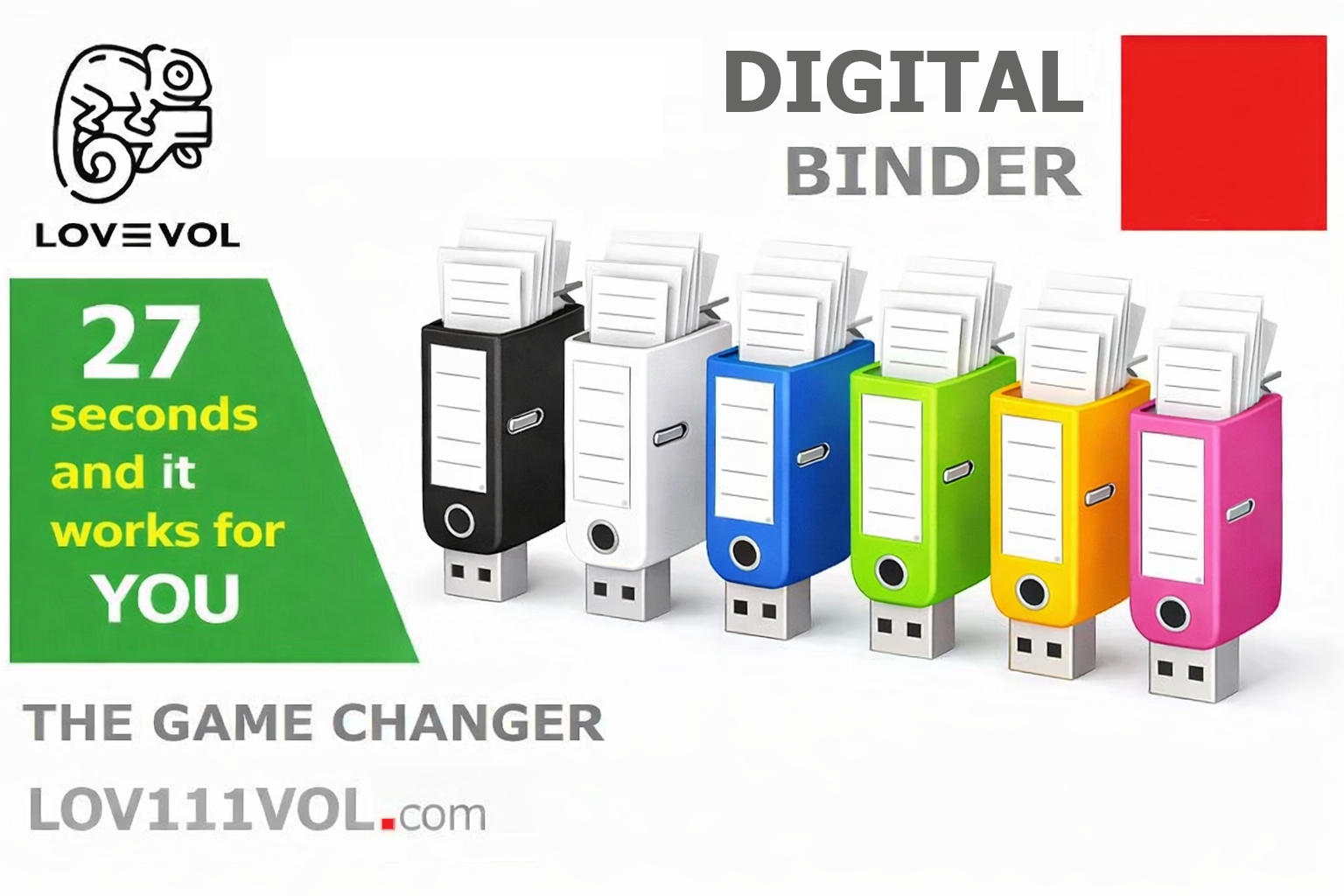

Managing digital documents can become challenging when files are spread across multiple folders, devices, and applications. Contracts, invoices, project notes, and administrative records all need a clear structure so that important information can be found when it is needed. Electronic binders offer one practical way to organize these materials, while dedicated document archiving solutions can help establish a more systematic approach to storing and maintaining digital records.
What Is an Electronic Binder?
An electronic binder is a digital alternative to a traditional paper binder. Instead of keeping documents in physical folders, users organize digital files and related information into logical categories. This approach can be useful for personal paperwork, business documents, project records, and other information that needs to remain accessible.
A well-organized electronic binder makes it easier to keep related materials together and reduces the need to search through unrelated files. Depending on the software, it may also help users manage notes, project information, and other everyday records in one digital workspace.
How Can Electronic Binders Improve Document Archiving?
Electronic binders can make document archiving easier by providing a consistent structure for organizing information. When documents are grouped by subject, project, or category, users can locate relevant files more quickly and maintain a clearer overview of their records.
For individuals and small teams, a digital binder can also simplify everyday document handling. Instead of maintaining multiple paper folders or disconnected digital collections, users can keep related information organized in a central place.
However, good archiving involves more than simply saving files. Documents should have meaningful names, a predictable storage structure, and appropriate protection against accidental loss or unauthorized access.
Choosing the Right Document Archiving Software
As the number of digital records increases, dedicated document archiving software can help users manage their files more systematically. The right solution depends on the volume of documents, the number of users, security requirements, and the way information needs to be accessed.
When evaluating software, consider whether it offers a clear organizational structure, convenient document retrieval, appropriate access controls, and reliable backup options. It is also worth checking whether the solution supports local storage or requires an internet connection.
For businesses that handle sensitive or regulated information, additional considerations may include retention periods, audit trails, and legal requirements for storing specific types of records.
Electronic Binders as Part of a Paperless Workflow
A paperless workflow does not necessarily mean replacing every existing process with a complicated enterprise system. For many individuals and small businesses, a practical starting point is to organize frequently used documents and gradually improve the way information is stored.
An electronic binder can provide a structured place for digital documents and related information. This can be especially useful when users want to keep project materials, administrative records, and other everyday documents organized without relying entirely on physical binders.
The most effective solution is one that fits the user’s actual workflow. A freelancer may need a straightforward way to manage invoices and client documents, while a small team may need shared organizational rules and clearly defined access permissions.
Why Backups and Security Matter
Digital document management offers convenience, but important records still need protection. Regular backups help reduce the risk of losing information because of hardware failure, accidental deletion, or other unexpected events.
Users should also consider who can access particular documents and whether sensitive files require additional safeguards. Offline software can reduce dependence on a continuous internet connection, but offline operation alone does not guarantee security. Device protection, encryption where appropriate, and reliable backup procedures remain important.
Practical Steps for Better Document Organization
Creating an effective digital filing system can begin with a few simple steps:
- Define document categories. Group files by subject, project, client, or purpose.
- Use consistent file names. Include useful details such as the document type or date.
- Choose an appropriate structure. Make sure users can understand where new documents belong.
- Protect important records. Establish regular backups and suitable access controls.
- Review the system regularly. Remove unnecessary duplicates and update outdated organizational rules.
These practices help make documents easier to find and maintain as the collection grows.
Conclusion
Electronic binders and document archiving software can complement each other in a well-organized digital workspace. Electronic binders provide a practical way to group documents and related information, while archiving software can support more systematic storage and long-term record management.
By choosing suitable tools and establishing consistent organizational practices, individuals and small teams can reduce document clutter, spend less time searching for files, and build a more efficient paperless workflow.